
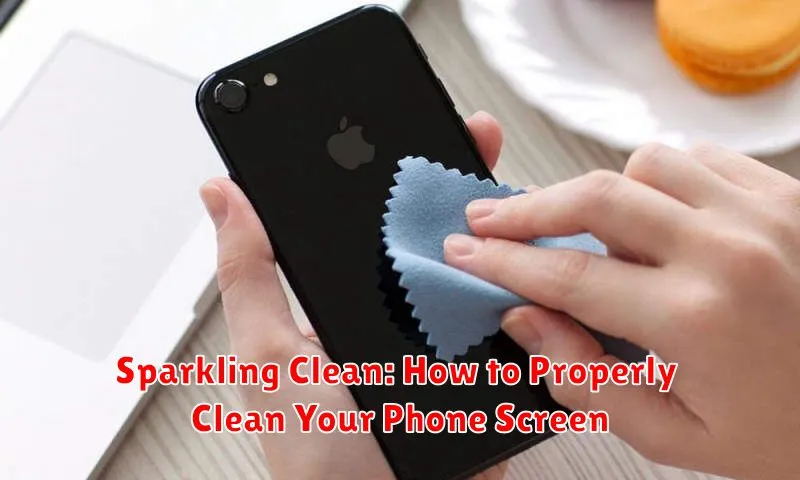
In today’s world, our phones are practically extensions of ourselves. We use them constantly, for everything from communication and work to entertainment and navigation. This constant use, however, inevitably leads to a buildup of grime, fingerprints, and bacteria on our phone screens. A clean phone screen is not only more aesthetically pleasing but also crucial for maintaining hygiene and ensuring optimal device performance. This article will provide a comprehensive guide on how to properly clean your phone screen, outlining the best practices and techniques to keep your device sparkling clean.
Learning how to clean your phone screen correctly can prevent scratches and maintain its sensitivity. Using the wrong cleaning methods or products can damage the delicate oleophobic coating, leaving your phone screen vulnerable to scratches and smudges. This guide will cover everything from the supplies you need to the step-by-step process of effectively and safely cleaning your phone screen, ensuring a sparkling clean finish without causing any harm. We’ll explore different methods, discuss common mistakes to avoid, and provide expert tips for maintaining a consistently clean phone screen.
Gathering the Necessary Cleaning Supplies
Properly cleaning your phone screen involves using the right tools. Gathering the correct supplies beforehand ensures a safe and effective cleaning process. Avoid harsh chemicals that could damage the screen’s oleophobic coating.
You will need a high-quality microfiber cloth. These cloths are gentle and effectively remove smudges and fingerprints without scratching. Avoid paper towels or abrasive cloths. A small spray bottle filled with distilled water is ideal for dampening the cloth. Tap water can contain minerals that may leave streaks. If dealing with stubborn grime, consider using a 70% isopropyl alcohol solution, but apply it sparingly to the cloth, never directly to the screen.
Powering Off Your Phone Before Cleaning
Before you begin the cleaning process, it’s crucial to power off your phone completely. This precautionary step safeguards your device from potential electrical shorts and allows you to clean the screen thoroughly without accidentally activating any functions.
Turning off the screen also makes it easier to see smudges and fingerprints, ensuring a more effective clean. With the screen dark, you’ll have a clearer view of the areas that need attention.
To power off your phone, press and hold the power button until the power-off option appears. Select the option to turn off your device completely. Once the phone is off, you can proceed with the cleaning steps.
Gently Removing Dust and Debris
Before wiping your phone screen, it’s essential to remove any loose dust or debris. This prevents scratching during the cleaning process. Use canned air to blow away particles from the screen’s surface and edges. Hold the can upright and a few inches away from the phone to prevent any moisture from entering the device.
Alternatively, you can use a soft-bristled brush, such as a lens brush, to delicately sweep away dust and debris. Use light, gentle strokes and avoid applying excessive pressure. Focus on areas where debris tends to accumulate, like the speaker grill and charging port, being careful not to scratch these sensitive areas.
Wiping the Screen with a Microfiber Cloth
With the dust and loose particles removed, it’s time to address the remaining smudges and fingerprints. A clean, dry microfiber cloth is the ideal tool for this task. Its fine fibers are gentle on your screen yet effective at removing oils and residue.
Gently wipe the entire surface of your phone screen with the microfiber cloth. Use small, circular motions for optimal cleaning. Avoid applying excessive pressure, which could potentially damage the screen. For stubborn marks, slightly dampen a corner of the microfiber cloth with distilled water and gently repeat the wiping process. Ensure the cloth is only slightly damp, not wet.
Inspect the screen for any remaining marks. If necessary, repeat the wiping process with a clean, dry section of the microfiber cloth until the screen is completely clean and clear.
Dealing with Stubborn Smudges and Fingerprints
Sometimes, dust and a dry microfiber cloth aren’t enough to tackle stubborn smudges and fingerprints. In these cases, a slightly dampened cleaning approach is necessary. Never spray liquid directly onto your phone’s screen. Instead, lightly dampen a clean microfiber cloth with distilled water.
Avoid tap water as it may contain minerals that can leave streaks or residue. Ensure the cloth is only slightly damp, not wet. Gently wipe the screen in a circular motion, paying attention to the areas with stubborn marks.
For particularly resistant smudges, consider a specialized screen cleaning solution designed for electronics. Always follow the manufacturer’s instructions. Apply the solution to the microfiber cloth, not the phone itself. Afterward, buff the screen dry with a clean, dry section of the microfiber cloth.
Cleaning the Phone Case and Other Accessories
Maintaining clean phone accessories is just as crucial as cleaning your screen. Different materials require specific approaches to avoid damage. For plastic and silicone cases, a solution of mild soap and water is generally sufficient. Dampen a soft, lint-free cloth with the solution and thoroughly wipe down the case, paying close attention to crevices and textured areas. Rinse the case with clean water and dry it completely before reapplying it to your phone.
Leather cases require more specialized care. Use a dedicated leather cleaner and conditioner to maintain their suppleness and prevent cracking. Avoid using excessive moisture, which can damage the leather. Gently wipe the case with the cleaner using a soft cloth and follow up with a conditioner to maintain its quality.
Headphones and earbuds can be cleaned with a dry or slightly dampened microfiber cloth. For stubborn debris, a soft-bristled brush can be used to gently remove dirt from the speaker grilles and microphone openings. Avoid using liquids directly on the earbuds, particularly if they are not water-resistant.
Avoiding Common Screen Cleaning Mistakes
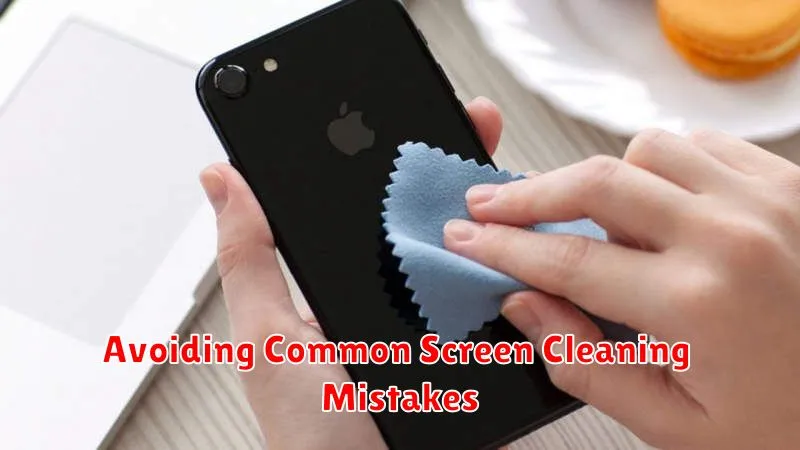
Keeping your phone screen clean is crucial, but improper cleaning can cause damage. Avoid these common mistakes to ensure a pristine and scratch-free display.
Never use abrasive materials. Paper towels, tissues, and abrasive cloths can scratch the delicate screen coating. Avoid these at all costs.
Skip harsh chemicals. Window cleaners, bleach, and other harsh chemicals can damage the oleophobic coating on your screen, making it more susceptible to fingerprints and smudges. Stick to a screen-specific cleaner or a slightly damp microfiber cloth.
Don’t spray directly onto the screen. Excess moisture can seep into the phone’s openings, causing internal damage. Always spray onto the cleaning cloth first.
Avoid excessive pressure. Pressing too hard while cleaning can damage the screen. Use a gentle, circular motion.
Maintaining a Clean Phone Screen for Optimal Use
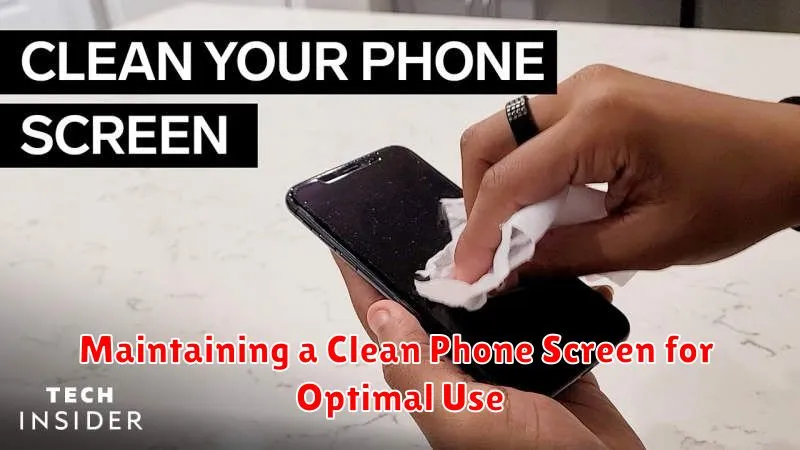
Maintaining a clean phone screen isn’t a one-time task. Regular cleaning is essential for optimal performance and longevity. Establish a routine to prevent the buildup of grime and fingerprints.
Consider cleaning your phone screen daily, especially if you use it frequently. A quick wipe with a microfiber cloth is often sufficient for daily maintenance. More thorough cleanings, using a slightly dampened microfiber cloth, can be done weekly or bi-weekly.
Store your phone in a protective case to minimize exposure to dust and debris. Avoid placing your phone in pockets with abrasive materials like coins or keys. These seemingly small precautions can significantly reduce the accumulation of scratches and smudges on your screen.
Clean hands are crucial. Washing your hands frequently throughout the day will minimize the transfer of oils and dirt to your phone screen.
