
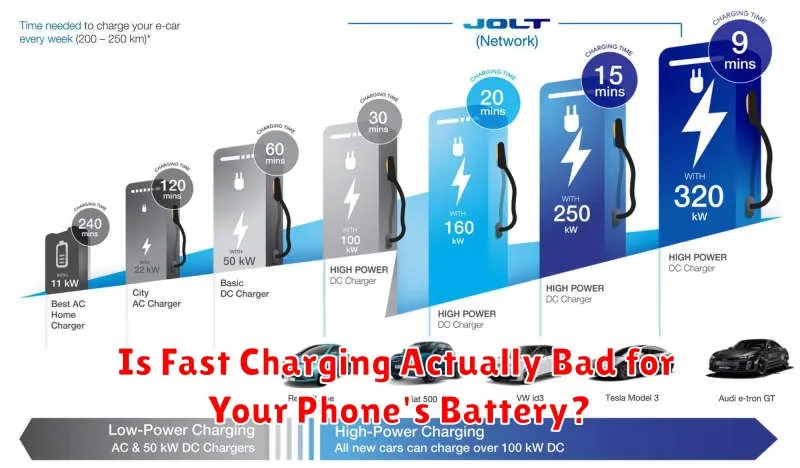
In today’s fast-paced world, fast charging has become an essential feature for many smartphone users. The convenience of quickly topping up your battery is undeniable, but a common concern lingers: Is fast charging actually detrimental to your phone’s battery health in the long run? This article delves into the science behind fast charging technology, exploring its potential impact on battery lifespan and battery degradation. We’ll examine the various fast charging standards, discuss how they work, and analyze whether the benefits of speed outweigh the potential risks to your battery.
The debate surrounding fast charging and its effects on battery health continues to be a topic of discussion among tech enthusiasts. While manufacturers tout the advantages of their fast charging solutions, some users remain skeptical. Understanding the intricacies of fast charging technology is crucial for making informed decisions about how you charge your device and maximizing your phone’s battery life. This article will address common misconceptions and provide you with the knowledge to determine whether fast charging is indeed bad for your phone’s battery, empowering you to make choices that best suit your needs and preserve your device’s battery health over time.
Understanding Fast Charging Technology
Fast charging technology allows you to replenish your phone’s battery significantly quicker than standard charging. It achieves this by delivering higher currents to the battery in a controlled manner.
Standard charging typically uses a 5V/1A configuration, delivering 5 watts of power. Fast charging, however, utilizes higher voltages and amperages. For instance, a fast charger might operate at 9V/2A, delivering 18 watts, or even higher in some advanced systems.
Different fast charging protocols exist, each with its own specifications. Some popular protocols include Qualcomm’s Quick Charge, Samsung’s Adaptive Fast Charging, and USB Power Delivery (USB PD). These protocols manage the power delivery to optimize charging speeds while mitigating risks.
The initial phase of fast charging delivers the highest current, rapidly increasing the battery’s charge level. As the battery nears full capacity, the charging current gradually decreases to prevent overcharging and damage. This careful management is crucial for preserving battery health.
The Science Behind Battery Degradation
All rechargeable batteries degrade over time, losing their ability to hold a charge. This degradation is a natural chemical process primarily driven by irreversible chemical reactions within the battery. These reactions, often accelerated by high temperatures, cause a buildup of resistance inside the battery. This increased resistance limits the flow of ions, effectively reducing the battery’s capacity and eventually its overall lifespan.
One key factor in battery degradation is the formation of a solid-electrolyte interphase (SEI) layer on the battery’s anode. This layer is a byproduct of the chemical reactions that occur during charging and discharging. While the SEI layer is crucial for protecting the anode, it also grows thicker over time, consuming active lithium ions and further reducing the battery’s capacity.
Temperature plays a significant role in these degradation processes. Higher temperatures, whether caused by external factors or the charging process itself, dramatically accelerate the chemical reactions leading to faster degradation. Lithium plating, a phenomenon where lithium ions deposit on the anode surface instead of intercalating into it, can also contribute to degradation. This can occur during fast charging if the charging current is too high or the battery is already at a high state of charge.
How Fast Charging Affects Battery Lifespan
Fast charging, while convenient, does have a measurable impact on a battery’s lifespan. Increased heat generated during fast charging is the primary culprit. Higher temperatures accelerate the chemical reactions within the battery, leading to faster degradation.
This degradation manifests as a reduction in overall capacity over time. Your phone might need charging more frequently than it did when new. This effect is generally gradual and might not be noticeable in the short term, but it becomes more pronounced over the lifespan of the battery, typically two to three years.
The extent of the impact depends on several factors, including the specific fast charging technology used, the battery’s chemistry, and the ambient temperature during charging. While all batteries degrade over time, fast charging can accelerate this process compared to standard charging methods.
Dispelling Common Myths About Fast Charging
Several myths surround fast charging technology, often causing unnecessary concern among users. Let’s address some of the most common misconceptions:
Myth 1: Fast Charging Will “Fry” Your Battery
Modern smartphones incorporate sophisticated power management systems that regulate the charging process, preventing overcharging and overheating. These systems monitor the battery’s temperature and voltage, dynamically adjusting the charging speed to ensure safety.
Myth 2: You Must Use the Charger That Came With Your Phone
While using the manufacturer’s charger is often optimal, it’s not always mandatory. Using a reputable third-party charger that’s compatible with your phone’s fast charging standard is generally safe. Always choose chargers from reputable brands to ensure quality and safety.
Myth 3: Fast Charging Significantly Reduces Battery Lifespan
While fast charging does contribute to battery degradation, the impact is generally minor compared to other factors like high temperatures and deep discharge cycles. The convenience and time saved often outweigh the slight decrease in long-term battery health for most users.
Tips to Minimize Battery Wear and Tear While Fast Charging

While fast charging offers undeniable convenience, adopting a few mindful practices can help prolong your battery’s health. Avoid consistently charging your phone to 100% or letting it drain to 0%, as these extremes stress the battery. Aim to keep the charge level between 20% and 80% for optimal lifespan.
Temperature plays a crucial role in battery health. Avoid fast charging in excessively hot or cold environments. If your phone feels hot while fast charging, remove its case or disconnect it from the charger momentarily. Heat accelerates battery degradation, so allowing the device to cool down is beneficial.
Use the charger that came with your phone or a reputable third-party charger that’s compatible with your device’s fast charging technology. Using an incompatible or low-quality charger can lead to inefficient charging and potentially damage the battery. Lastly, if you don’t need the speed, consider opting for standard charging when possible. This gentler approach puts less stress on the battery over time.
Best Practices for Preserving Your Phone’s Battery Health
Maintaining your phone’s battery health involves adopting practices that minimize stress and degradation. Avoid extreme temperatures, both hot and cold, as they can impact battery performance and lifespan. Keep your phone away from direct sunlight or excessively cold environments.
Optimize your phone’s settings to conserve battery. Reduce screen brightness, shorten the screen timeout duration, and disable unnecessary background processes and notifications. Utilize power-saving modes when appropriate.
Charging practices also play a crucial role. Avoid consistently charging your phone to 100% or letting it drain to 0%. Ideally, maintain the charge between 20% and 80% to minimize stress on the battery. Using the original charger or a reputable alternative is also recommended.
Recognizing Signs of Battery Damage
A damaged battery can manifest in several ways, impacting your phone’s usability. Reduced battery life is often the first noticeable sign. If your phone requires charging much more frequently than it used to, even with similar usage patterns, it could indicate battery degradation.
Overheating is another crucial indicator. While some warmth is normal during charging or intensive tasks, excessive heat, especially when the phone is idle or performing light tasks, could signal a problem. Physical swelling of the battery is a serious warning sign. A bulging battery can push against the phone’s screen or back, causing visible distortion. This situation requires immediate attention and professional handling as swollen batteries can be a safety hazard.
Unexpected shutdowns can also point to battery issues. If your phone abruptly powers off, even with a seemingly sufficient charge remaining, the battery’s ability to hold and deliver power may be compromised. Finally, unusually slow charging, even with a fast charger, can suggest a deteriorating battery.
When to Replace Your Phone’s Battery
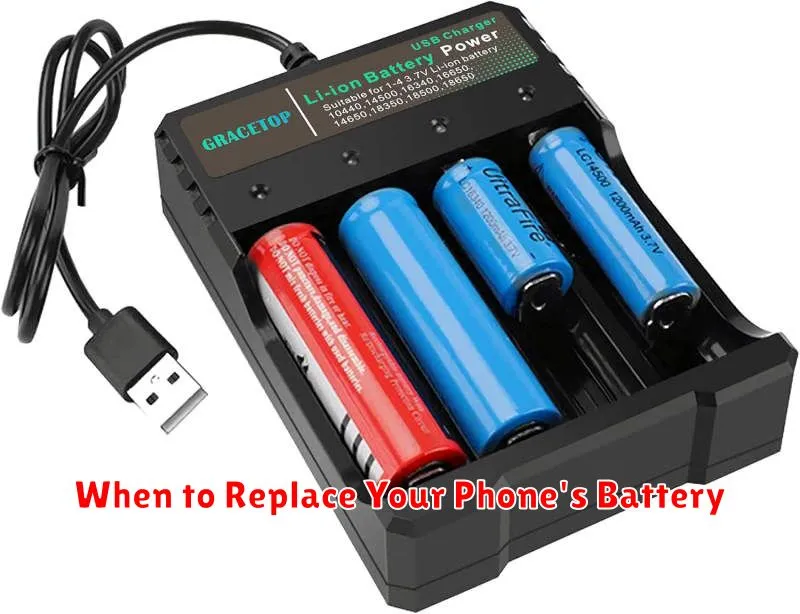
Knowing when to replace your phone’s battery is crucial for maintaining optimal device performance. Several key indicators suggest it’s time for a new battery.
Significant decrease in battery life: If you find yourself needing to charge your phone much more frequently than before, even with moderate use, it’s a strong sign of battery degradation.
Unexpected shutdowns: Does your phone suddenly power off, even with a seemingly sufficient charge remaining? This erratic behavior often points to a failing battery.
Overheating: Excessive heat, especially during normal usage, can be a symptom of a battery problem. While some warmth is normal during charging or intensive tasks, consistent overheating warrants attention.
Physical distortion: In more severe cases, a damaged battery might exhibit physical signs like swelling or bulging. This is a serious safety concern and requires immediate battery replacement.
Slow charging: While not always indicative of battery damage, significantly slower charging times, even with the correct charger, can sometimes point to a degrading battery.
