
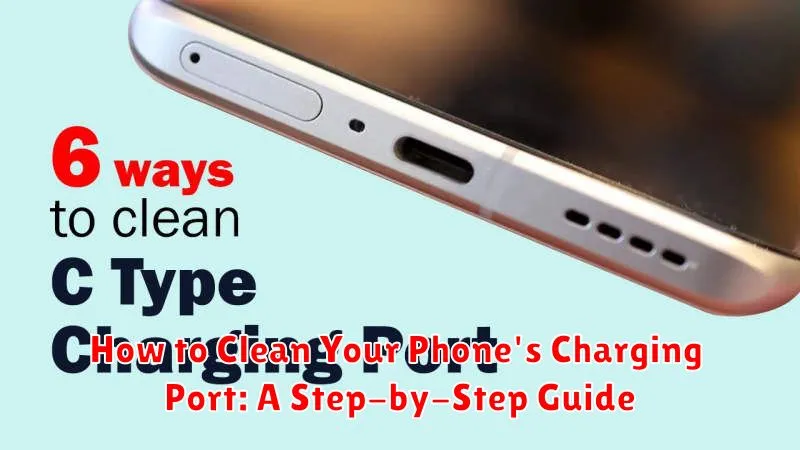
Maintaining a clean charging port is essential for the optimal performance of your phone. A clogged charging port can lead to slow charging, intermittent charging, or even a complete inability to charge your device. Dust, lint, and debris can accumulate over time, obstructing the connection between your phone and the charging cable. This comprehensive guide will provide you with a step-by-step approach on how to effectively clean your phone’s charging port, ensuring a reliable and efficient charging experience.
Learn how to safely and effectively clean your phone’s charging port with our easy-to-follow instructions. This guide covers various cleaning methods, utilizing common household items, to remove dust, lint, and other debris that can impede charging. By following these steps, you can prevent charging issues, prolong the lifespan of your charging port, and maintain the overall health of your device. Proper cleaning of your phone’s charging port is a simple maintenance task that can significantly impact your phone’s performance.
Identifying a Dirty Charging Port
A dirty charging port can often be the culprit behind charging problems. Recognizing the signs early can prevent further damage and frustration. Here’s how to identify a dirty charging port:
Visual Inspection
Carefully examine the charging port using a bright light. Look for any visible debris such as:
- Lint: Small fibers from pockets or bags are common culprits.
- Dust: Accumulated dust can interfere with the connection.
- Debris: Larger particles like sand or food crumbs can also get lodged inside.
Charging Difficulties
Experiencing difficulties while charging is a strong indicator of a dirty port. These difficulties may include:
- Intermittent Charging: The phone charges only at certain angles or stops charging sporadically.
- Slow Charging: The phone takes significantly longer to charge than usual.
- Charging Cable Not Fitting Properly: The cable feels loose or doesn’t fully insert into the port.
- Phone Not Recognizing Charger: The phone doesn’t register that it’s connected to a charger.
Gathering the Necessary Cleaning Tools
Before you begin cleaning your phone’s charging port, gather a few essential tools. Having everything prepared beforehand will make the process smoother and more effective.
A soft-bristled brush is the primary tool you’ll need. A new, unused toothbrush is an excellent choice. Avoid using anything with metal bristles, as these can scratch and damage the delicate contacts within the port.
Compressed air can be helpful for dislodging larger particles of dust or debris. If using compressed air, ensure the can is held upright and used in short bursts to prevent pushing debris further into the port. A soft, lint-free cloth, such as a microfiber cloth, is useful for wiping away any loosened debris.
A bright light source, such as a flashlight or desk lamp, will allow you to clearly see inside the charging port and ensure a thorough cleaning.
Step-by-Step Cleaning Instructions
Power off your device. This is crucial for safety and prevents potential electrical damage.
Inspect the charging port. Get a good look inside to assess the type and amount of debris.
Insert the chosen cleaning tool carefully. Whether using a soft-bristled brush, toothpick, or compressed air, exercise gentle movements. Avoid excessive force that could damage the delicate pins inside.
Gently dislodge debris. Use a light brushing motion or short bursts of air to remove dust, lint, or other obstructions. If using a toothpick, scrape gently along the inner walls of the port.
Remove dislodged debris. Lightly blow into the port or use a can of compressed air to expel the loosened particles. You can also gently tap the phone against a soft surface to help debris fall out.
Re-inspect the port. Ensure that the majority of the debris has been removed. Repeat steps 3-5 if necessary.
Test the charging port. Once clean, plug in your charging cable to verify functionality.
Common Mistakes to Avoid
When cleaning your phone’s charging port, avoid these common mistakes to prevent damage:
Using Excessive Force
Never force anything into the charging port. Too much pressure can damage the delicate connectors inside. If you encounter resistance, stop and re-evaluate your approach.
Using Metal Objects
Avoid using metal objects like paperclips or needles. These can scratch the contacts or cause short circuits. Always opt for non-metallic tools like wooden toothpicks or plastic dental floss picks.
Using Compressed Air Improperly
While compressed air can be useful, holding the can too close can introduce moisture into the port. Maintain a safe distance and use short bursts of air.
Using Liquids
Never use cleaning liquids or solutions directly in the charging port. Moisture can damage the internal components. If you must use a liquid, apply a minimal amount to a cleaning tool, ensuring it’s almost dry before insertion.
Preventing Future Charging Port Issues
Maintaining a clean charging port is crucial for the longevity of your device. By taking a few preventative measures, you can significantly reduce the risk of future problems.
Cover your port. When not in use, consider using a dust plug or case that covers your charging port. This will physically block dust and debris from entering.
Clean your charging cables. The cable itself can collect debris and transfer it to the charging port. Periodically wipe down your charging cables with a slightly damp, lint-free cloth.
Mind your environment. Avoid placing your phone in pockets or bags with excessive lint, dirt, or sand. Be mindful of dusty or dirty environments and try to protect your phone accordingly.
Avoid moisture. Keep your phone and charging port dry. Moisture can cause corrosion and other damage to the delicate components within the port.
Maintaining Optimal Charging Performance
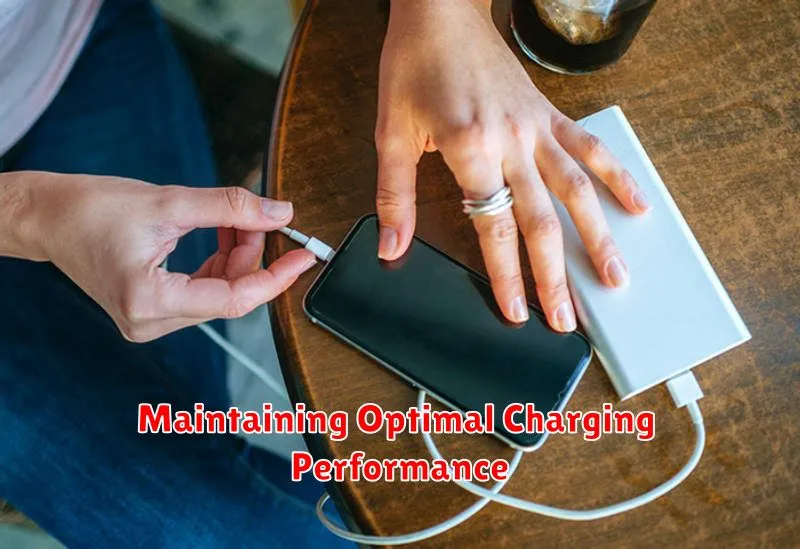
Maintaining a clean charging port is crucial for ensuring your phone charges efficiently and reliably. Dust, lint, and other debris can accumulate in the port over time, obstructing the connection between your phone and the charging cable. This can lead to slow charging, intermittent charging, or even prevent your phone from charging altogether.
Regularly inspecting and cleaning the port can prevent these issues and prolong the life of your charging cable and phone’s battery. Preventive maintenance is key to optimal charging performance. A clean charging port ensures a strong connection between your phone and charger, allowing for efficient power transfer.
Beyond cleaning, using the correct charging cable is essential. Avoid using damaged or frayed cables as they can hinder charging and potentially damage your phone’s charging circuitry. Always opt for a charger and cable compatible with your phone’s make and model.
Proper storage of your phone and charging cable also plays a role in maintaining optimal charging performance. Keeping your phone and cable in a clean and dry environment minimizes the accumulation of dust and debris in the charging port.
Troubleshooting Persistent Charging Problems
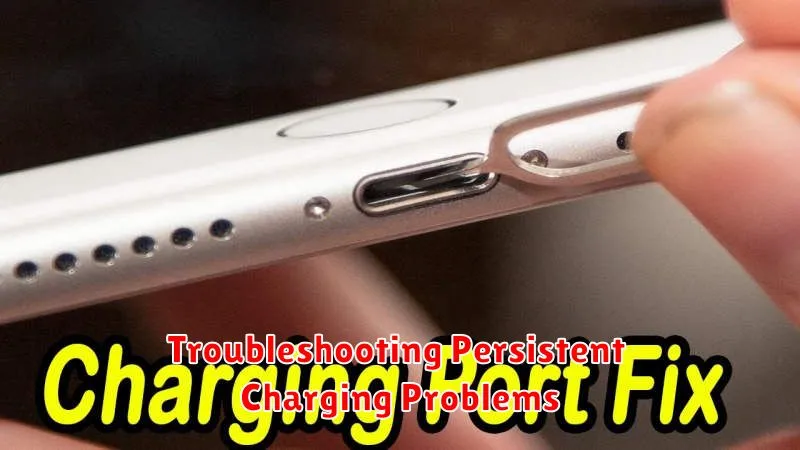
If you’ve cleaned your phone’s charging port and are still experiencing charging issues, there may be other underlying problems. Here are some troubleshooting steps to consider:
Check Your Charging Cable and Adapter
A faulty cable or adapter is a common culprit. Try a different cable and adapter to see if the problem resolves. Inspect the cable for any visible damage such as fraying or bends. Similarly, check the adapter for any signs of damage or debris.
Inspect the Charging Port for Damage
While cleaning can remove debris, it can’t fix physical damage. Carefully examine the charging port for bent or broken pins. If you notice any damage, you may need to have your phone repaired by a professional.
Restart Your Phone
Sometimes a simple restart can resolve software glitches that may be interfering with charging. Power off your phone completely, wait a few seconds, and then power it back on.
Check for Software Updates
Outdated software can sometimes cause charging problems. Ensure your phone’s operating system is up-to-date. Check for available updates in your phone’s settings.
Battery Health
If your phone is still not charging correctly, the battery itself might be failing. Check your phone’s battery health settings (if available) to assess its condition. A degraded battery may need replacement.
